


Goodbye Manual Bookkeeping.
Stop using spreadsheets. Switch to AI Bookkeeping
While you're closing your next deal, CashBooks is organizing your books, reconciling transactions, and keeping your business one step ahead.
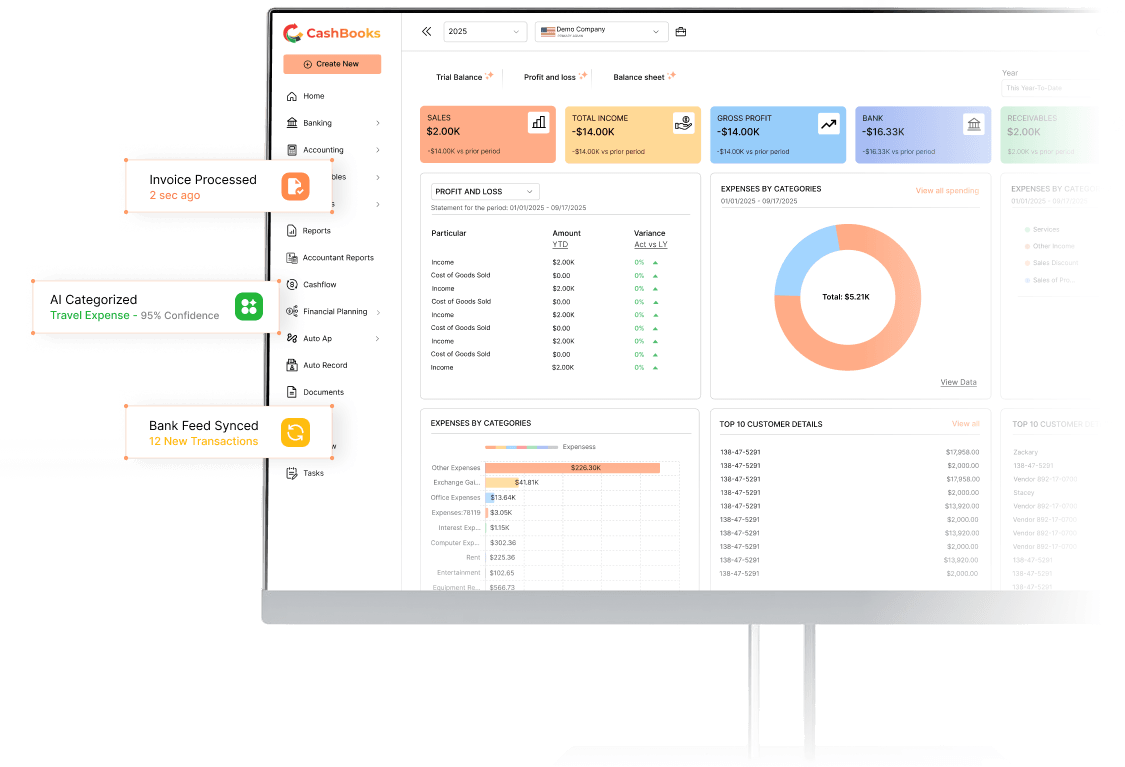
You didn't start a business to become a bookkeeper.
Yet here you are, every Sunday night, doing exactly that.
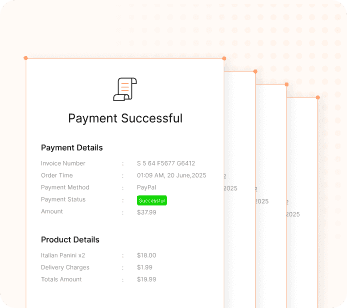
The shoebox of receipts
You’ll deal with it “later.” Later is now three months of expenses you can’t remember the reason for. Receipts pile up, expenses go missing, and by month-end, you’re stuck sorting through receipts instead of reviewing your business.
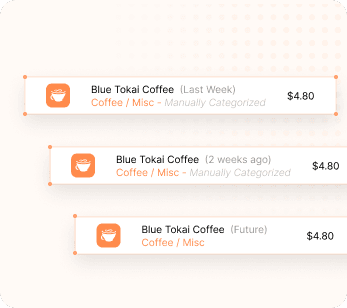
The same charge, tagged three times
You categorized this exact coffee-shop charge last week. And the week before. And you’ll do it again tomorrow. Why categorize the same transaction over and over? CashBooks remembers your previous choices and applies them automatically.
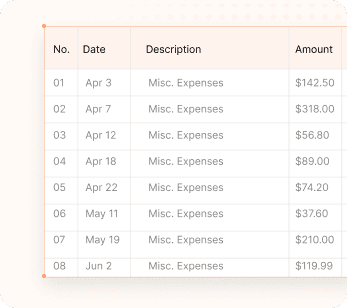
The spreadsheet full of “misc”
Your accountant asks what half these rows mean. You honestly don’t remember. CashBooks learns from your bookkeeping history to recognize similar transactions automatically. For anything new or unusual, it recommends the best category with an AI confidence score, so you know what can be approved instantly and what deserves a second look.
Every hour you spend on bookkeeping is an hour you're not growing your business.
You can keep:
Sorting Receipts
Fixing Mistakes
Matching Transactions
Chasing Reports
Or...
you can let CashBooks do it automatically.
From spreadsheet to closed books.
No migration headache. No re-learning your workflow. Simply bring your existing data from QuickBooks or Spreadsheets and get started.
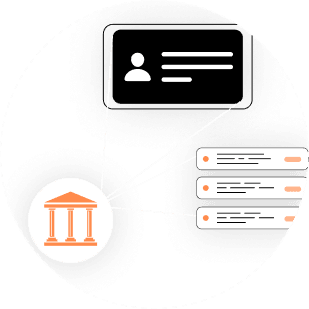

Connect your accounts
Import your bookkeeping data from QuickBooks or Excel and securely connect your bank accounts and cards in minutes. Your transaction history comes with you without starting over.
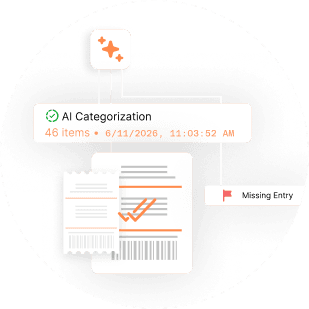
AI reads every transaction
CashBooks automatically records transactions, categorizes them, and flags anything unusual.
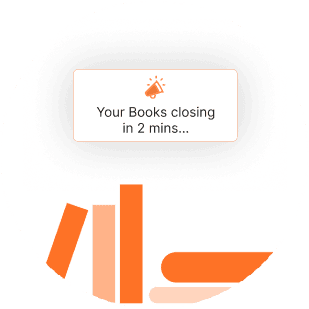
Business-ready books
Monthly review takes minutes, not a weekend. Your accountant gets clean reports, not a mystery. Complete hours of bookkeeping work in a fraction of the time.

Features
Accounts Payable
Pay vendors on time, track every bill, and avoid late fees—all from one place. Stay organized with payment reminders, outstanding balances, and a clear view of your business liabilities.
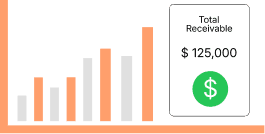
Accounts Receivable
Create invoices, track payments, and improve cash flow by getting paid faster. Gain clear visibility into incoming payments to improve collections and maintain healthy cash flow.
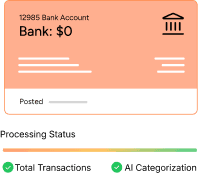
Banking and Auto Categorization
Connect your bank accounts and automatically categorize transactions with AI. Simplify reconciliation, reduce manual work, and keep your books accurate and up to date.
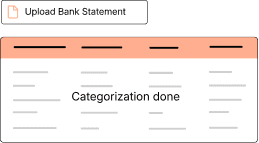
Auto Record (AI)
Automatically capture and record transactions in real time. Eliminate manual data entry, reduce errors, and keep your books accurate with minimal effort.
Role Based Access Control
Control user permissions with customizable role-based access. Protect sensitive financial data by assigning the right level of access to every team member.

Cash Flow Forecasting
Forecast future cash flow by analyzing income, expenses, and payment trends. Plan, manage risks, and make smarter financial decisions with confidence.
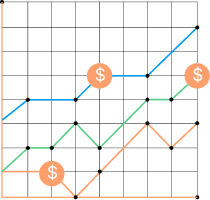
Custom Reports
Build custom reports that focus on the numbers that matter most. Analyze, export, and share insights to make better business decisions.
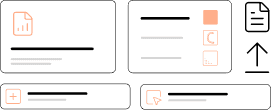
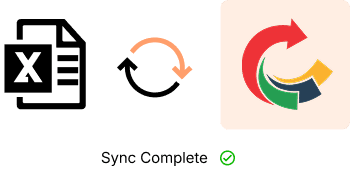
Excel Sync
Seamlessly synchronizes your accounting data with Excel, making reporting, analysis, and financial management faster, more accurate, and easier to manage.
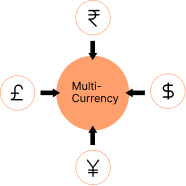
Multi Currency
Manage transactions in multiple currencies with automatic exchange rates for accurate global accounting.
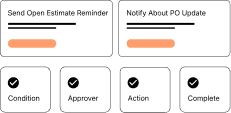
Workflow Automation
Automate approvals, notifications, and routine accounting tasks so your team spends less time on admin and more time growing the business.
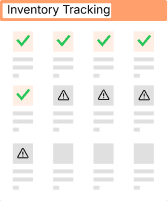
Inventory Tracking
Track inventory in real time to monitor stock levels, manage product movement, and maintain accurate records.
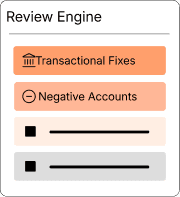
Review Engine
Our review engine intelligently verifies financial data, highlights potential errors, and ensures accurate records before transactions are finalized.
99.9%
Categorization Accuracy
120+ hrs
Saved Every Month


I didn’t expect the setup to be this easy. I connected my accounts in just a few minutes, and the AI handled most of the categorization for me. My Sunday afternoons are no longer for bookkeeping.